Skip to content
Stepify
How it works
Tutorials
Pricing
Sign in
Get started free
Home
n8n
How to create a new workflow
n8n
How to create a new workflow
5
steps
137 views
March 17, 2026
Guided Replay
Written Guide
Embed
Share
Share Tutorial
×
Copy
LinkedIn
X
Facebook
WhatsApp
Email
1/5
Create a new workflow
1/5
Step-by-Step Guide
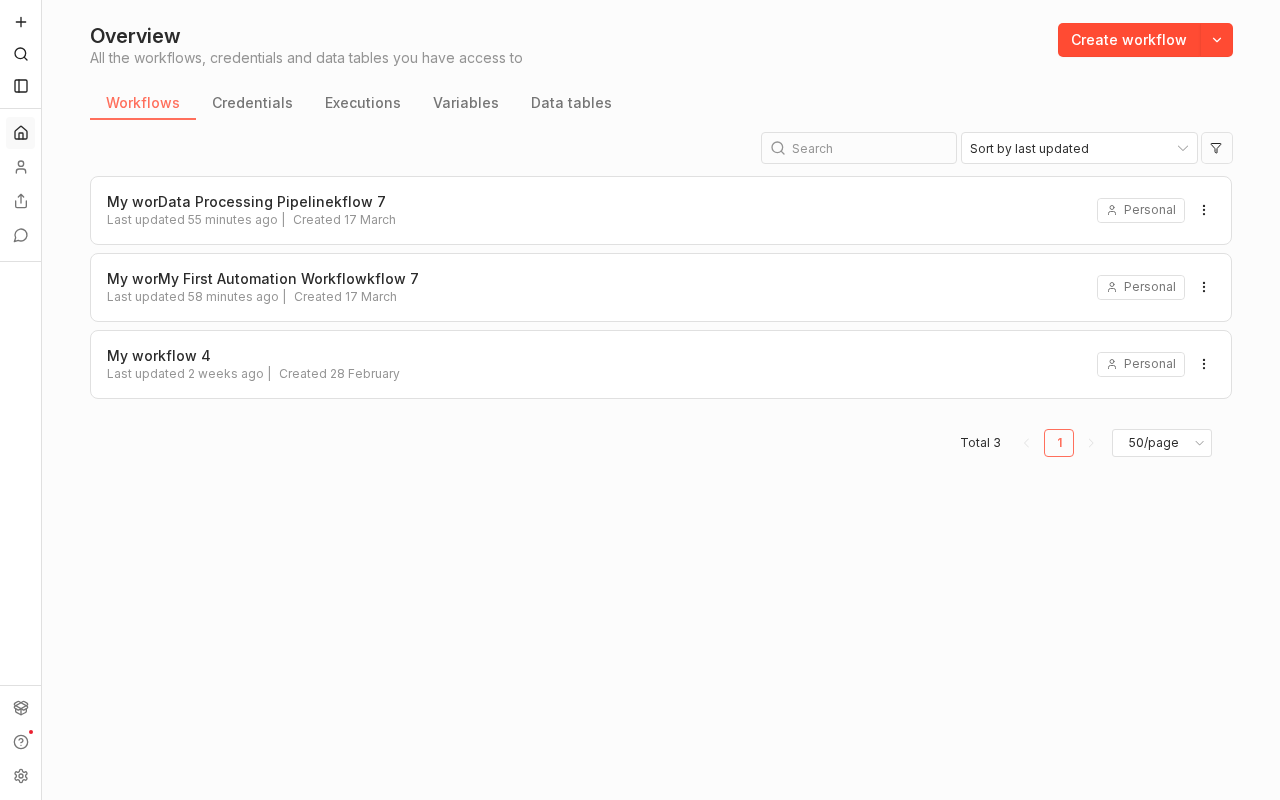
1
Create a new workflow
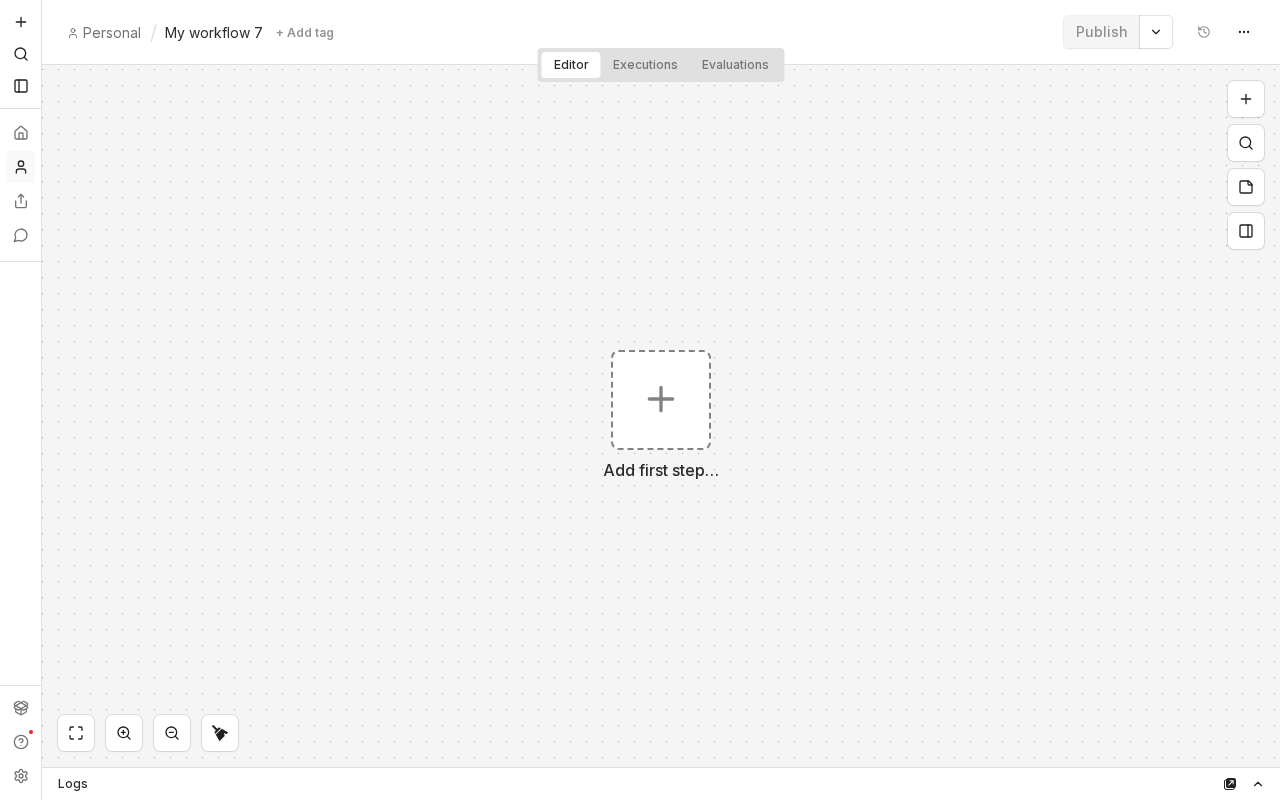
2
Click the workflow name to rename it
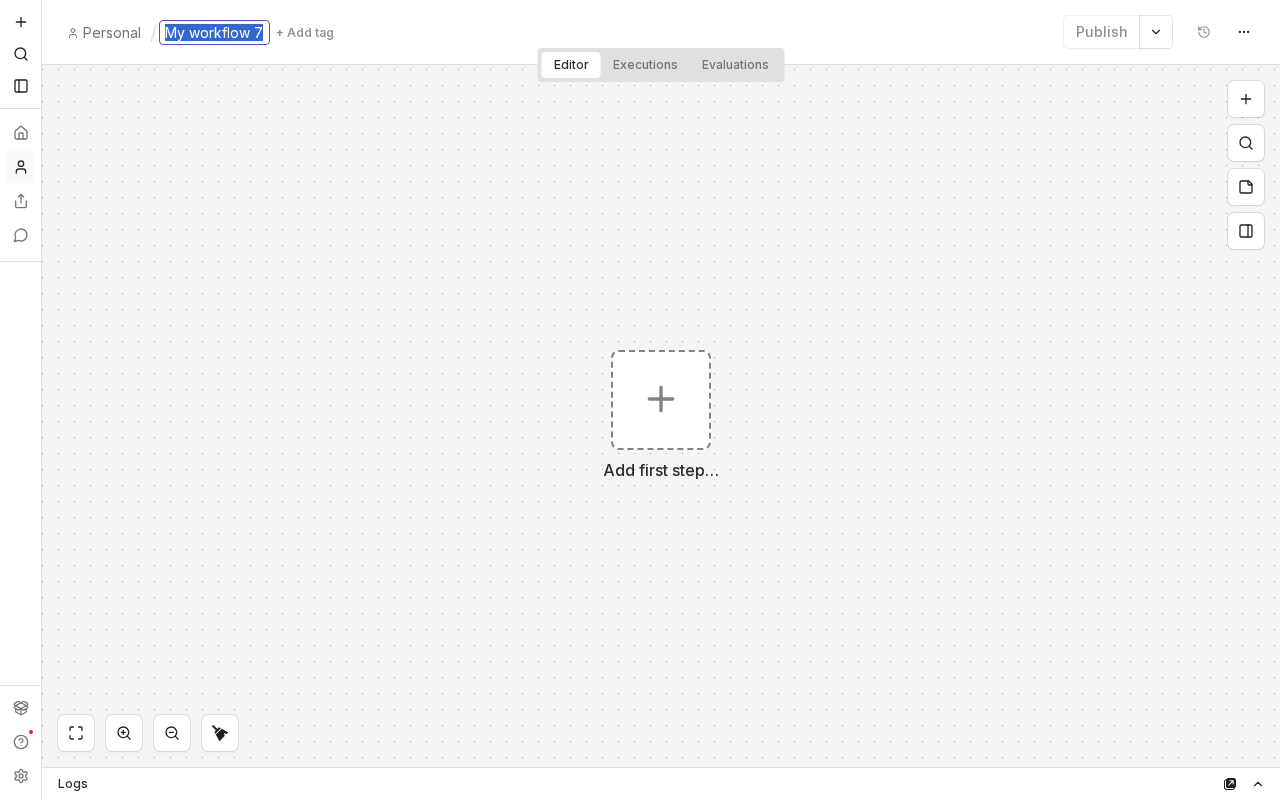
3
Type the new workflow name
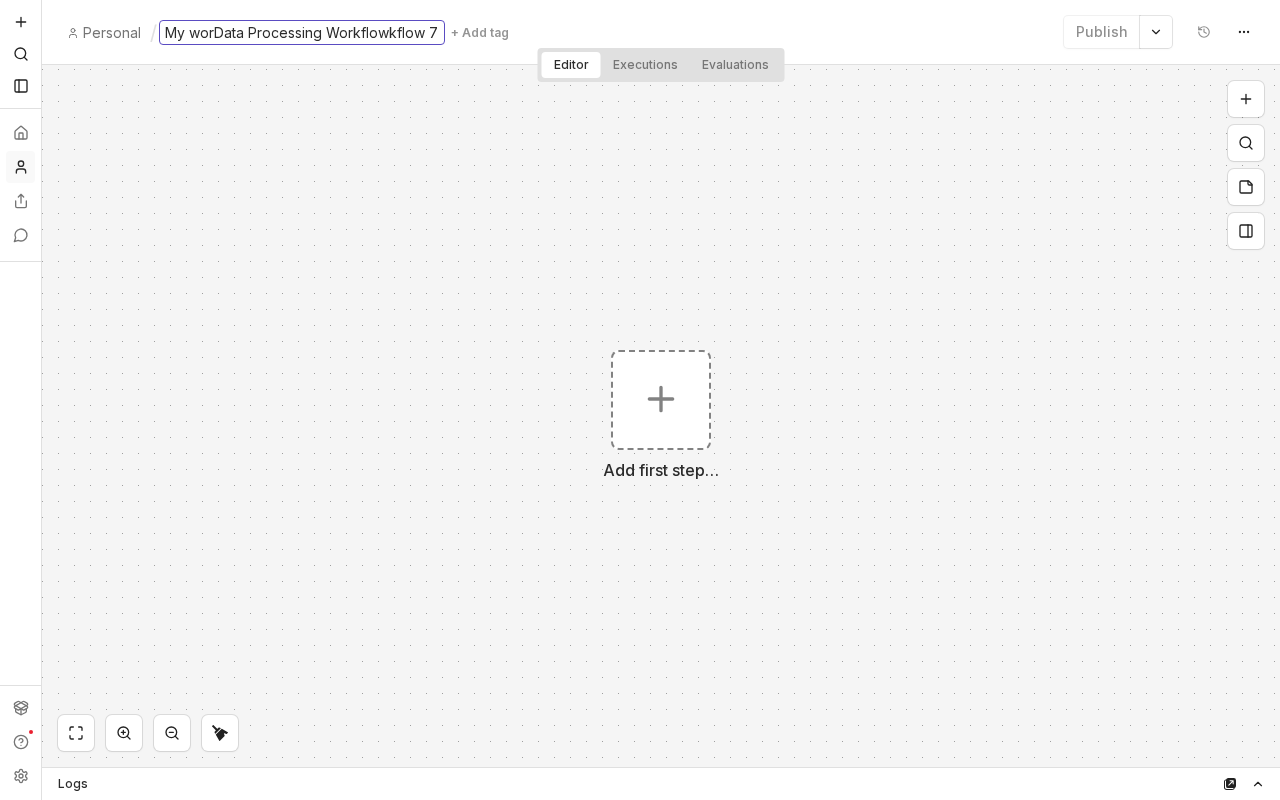
4
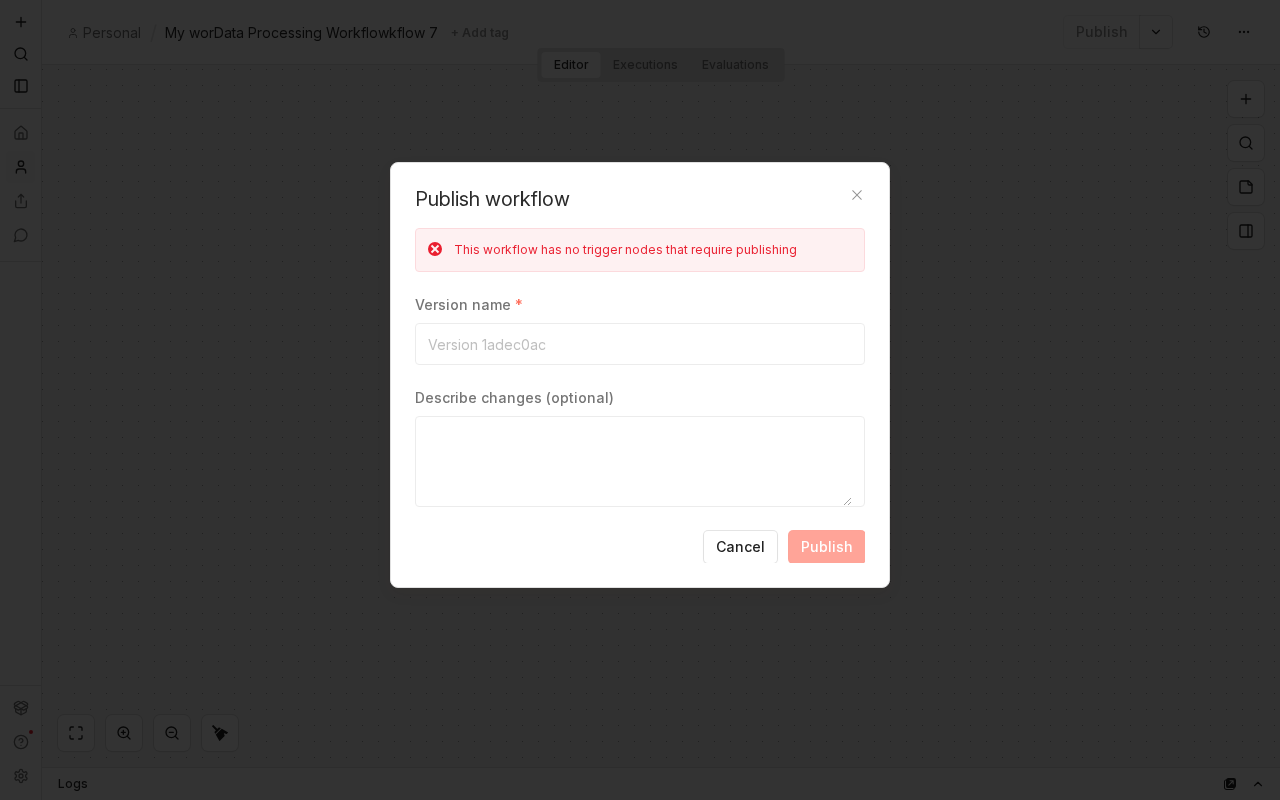
Click Publish to open the publish dialog
5
Click Publish in the publish workflow dialog
✓
Complete
All 5 steps completed. How to create a new workflow.
Steps
1
Create a new workflow
2
Click the workflow name to rename it
3
Type the new workflow name
4
Click Publish to open the publish dialog
5
Click Publish in the publish workflow dialog
×
‹
›
Step 1: Create a new workflow
1 of 5